Leases
Turn your tenancy into a signed Ontario lease.
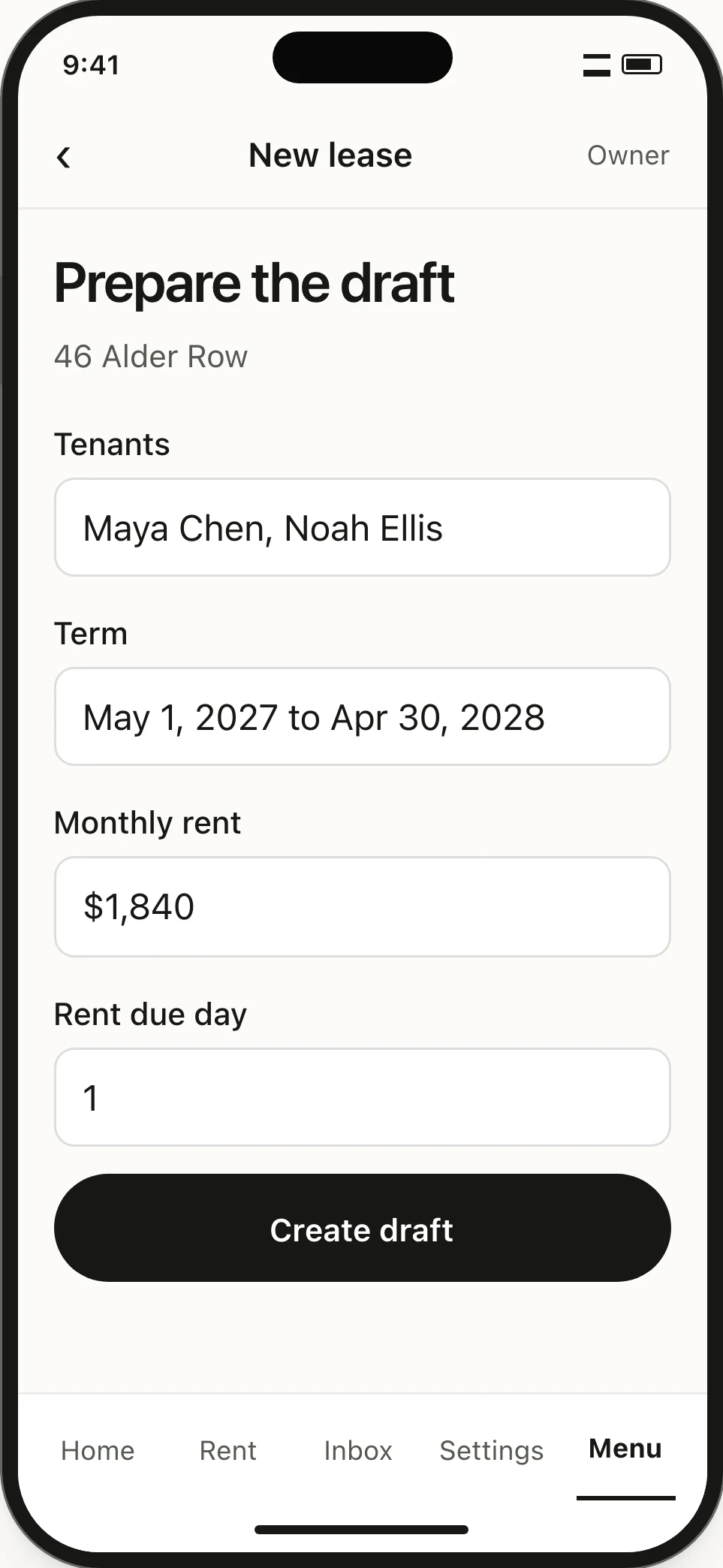
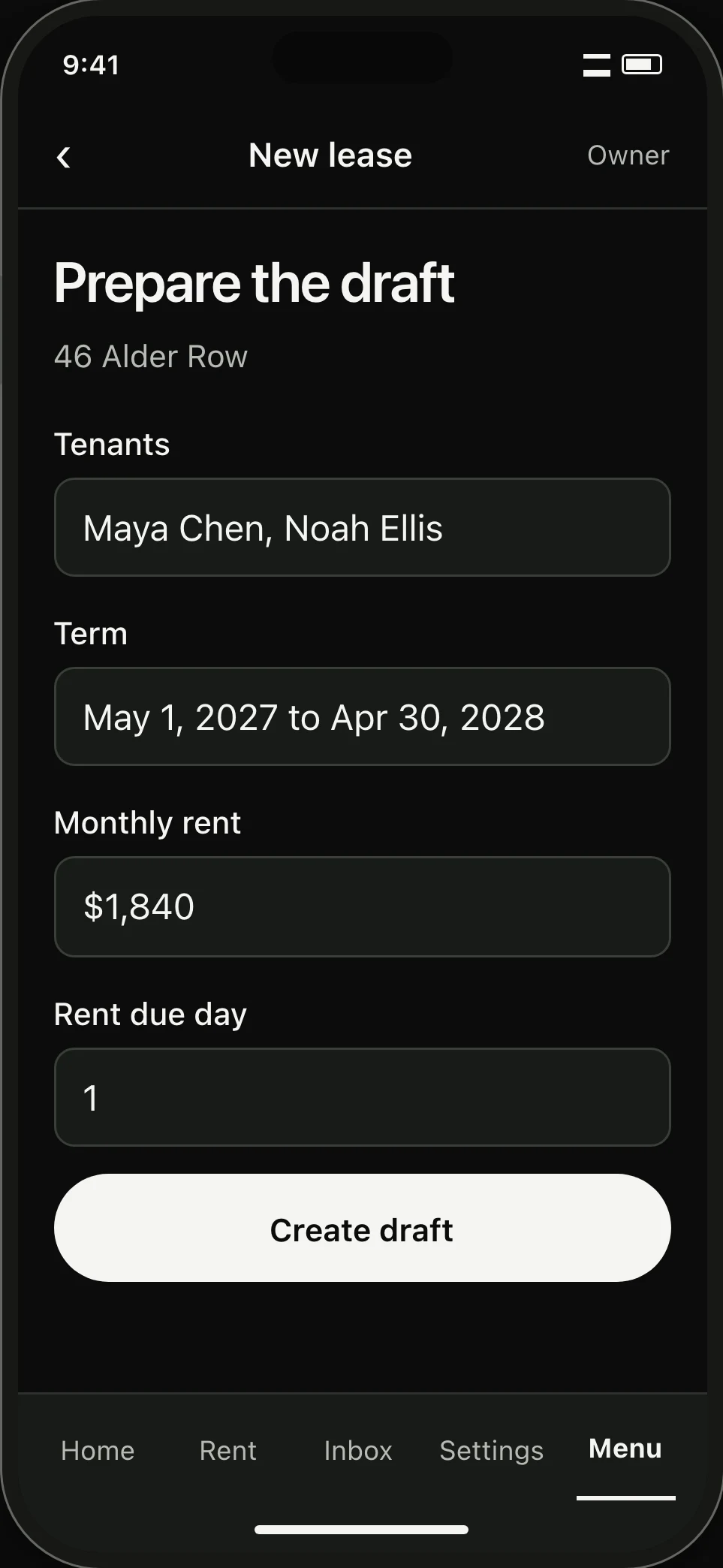
Keyhold fills Form 2229E from your saved home and tenants, ready for you to review and send.
01 / Document review
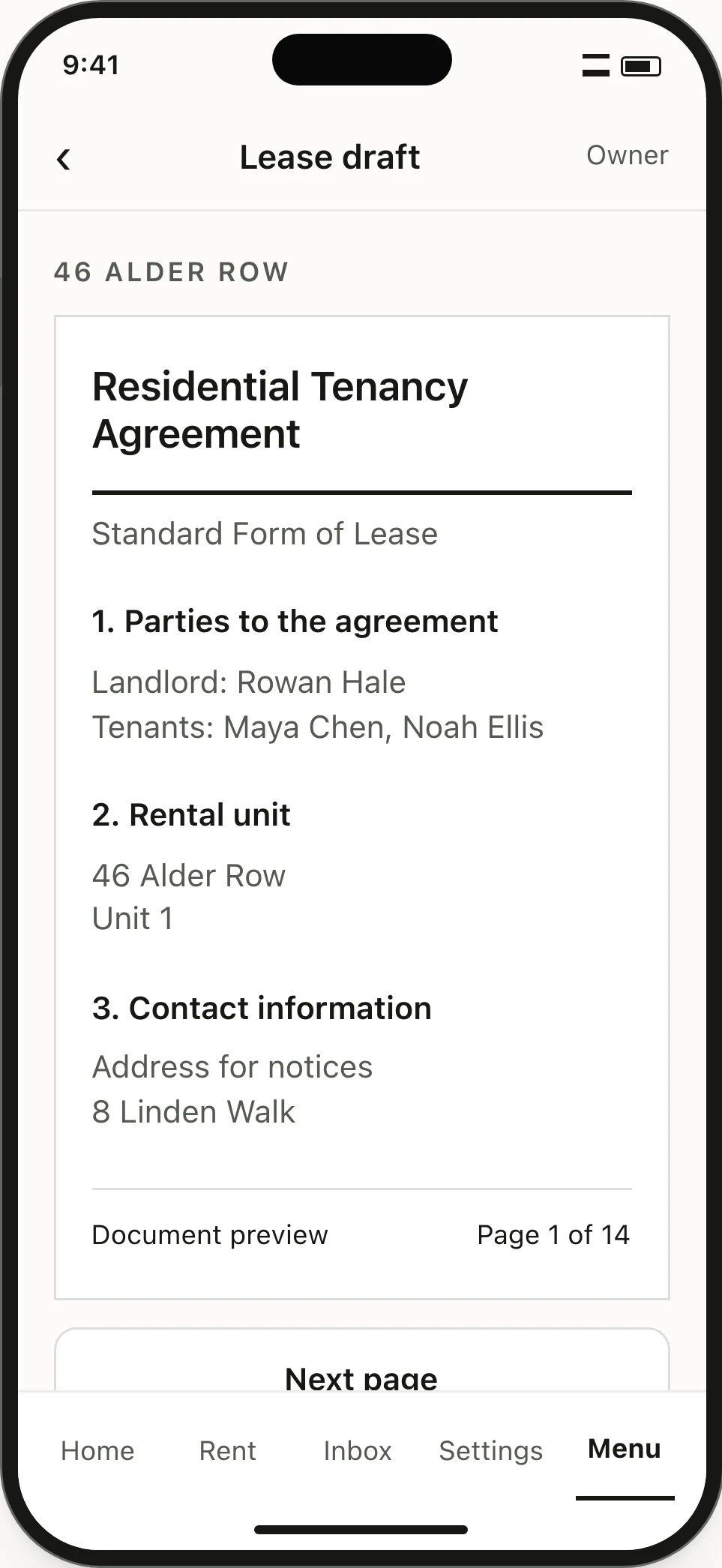
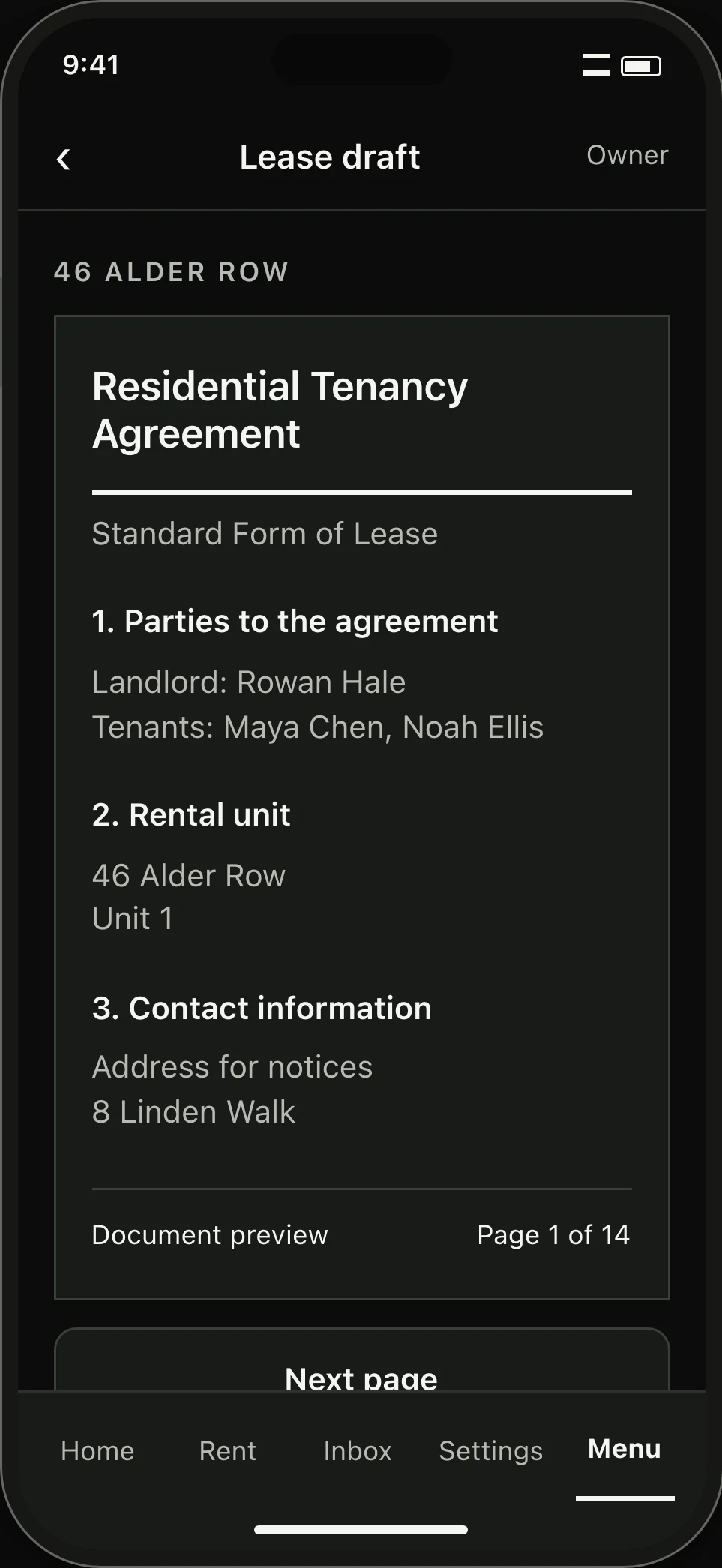
Review every page before sending.
Flip through each page of the filled agreement on screen. You can jump back to edit any answer before anyone signs.
Sending the lease locks the draft so clauses cannot change during signing.
02 / Tenant signing
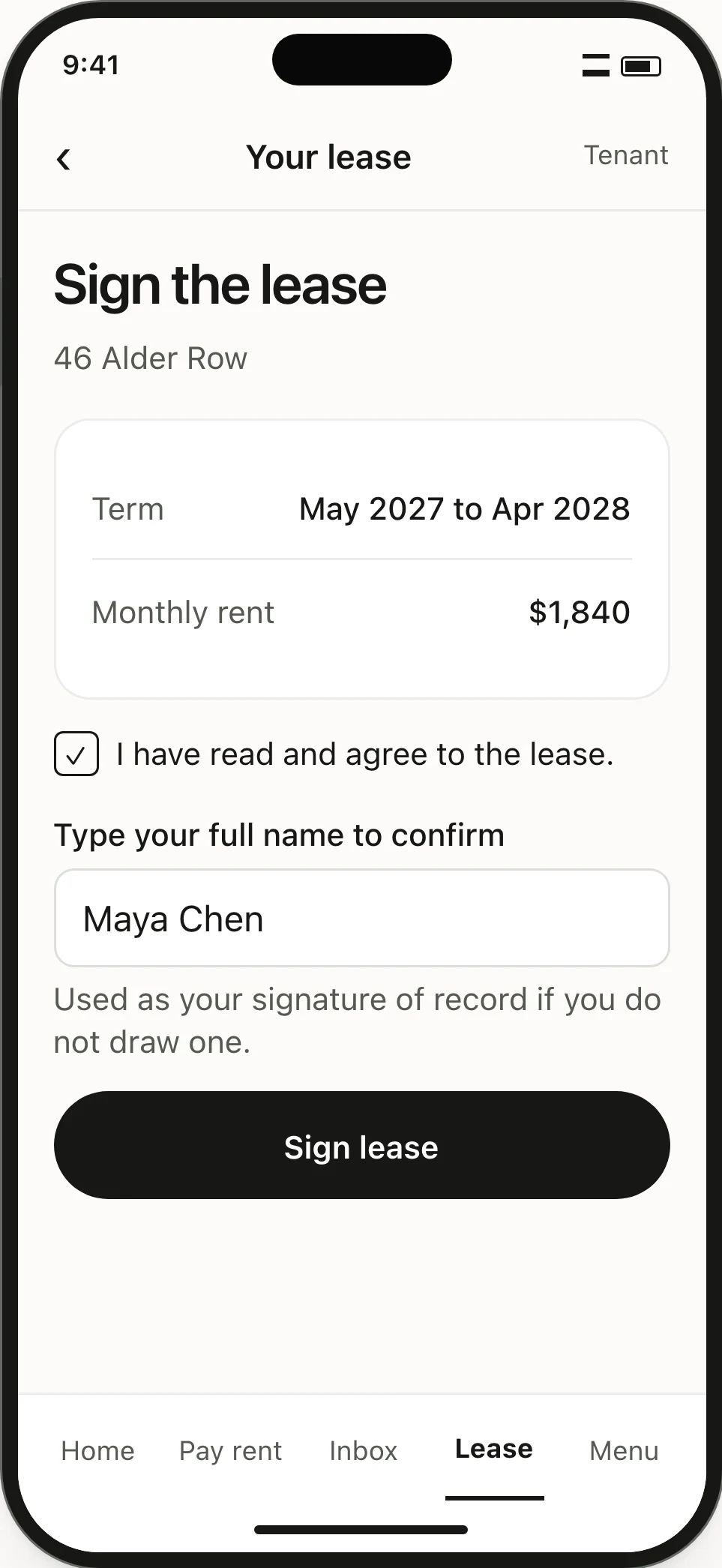
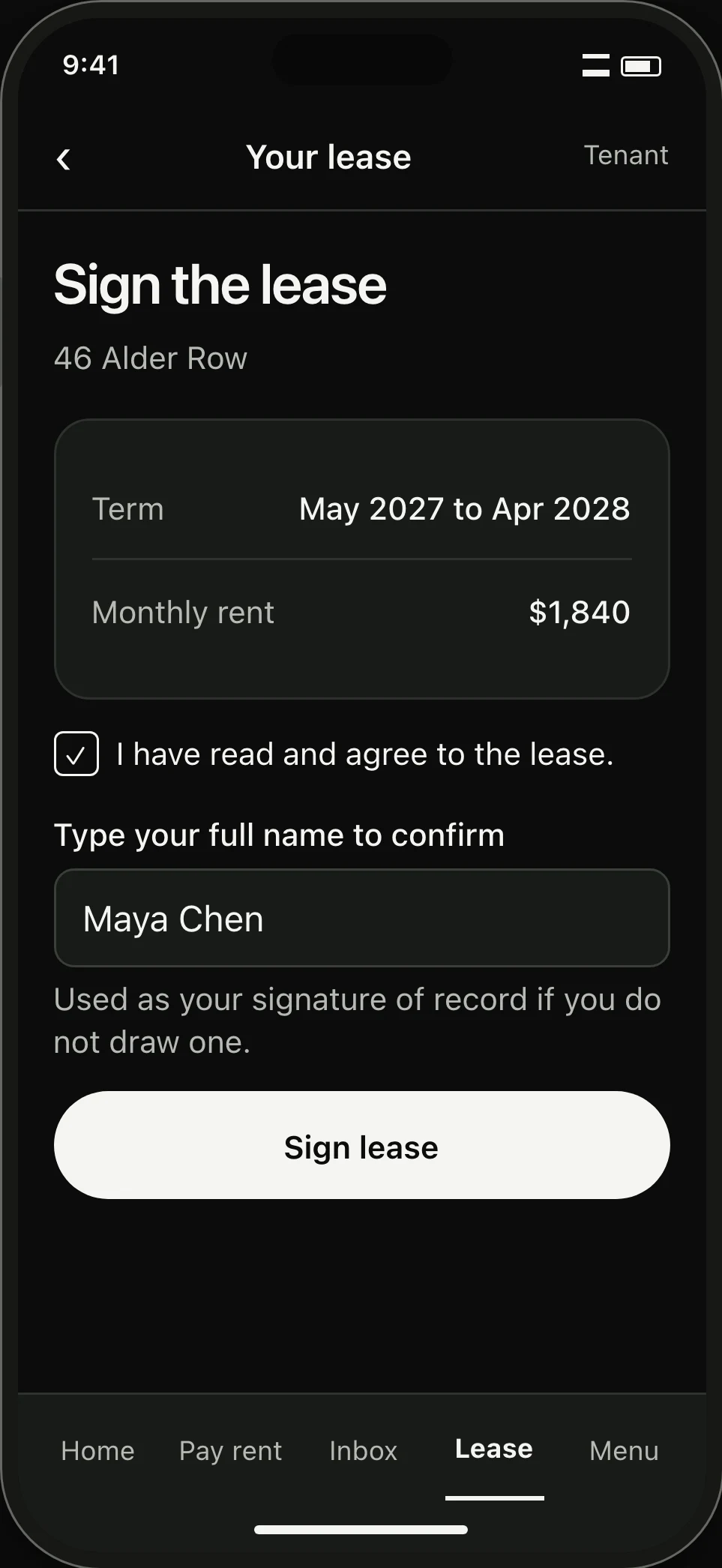
Tenants sign on their phone.
Tenants open the lease in their portal on any phone or laptop. They type or draw their signature, while you track who has signed.
03 / Completed lease
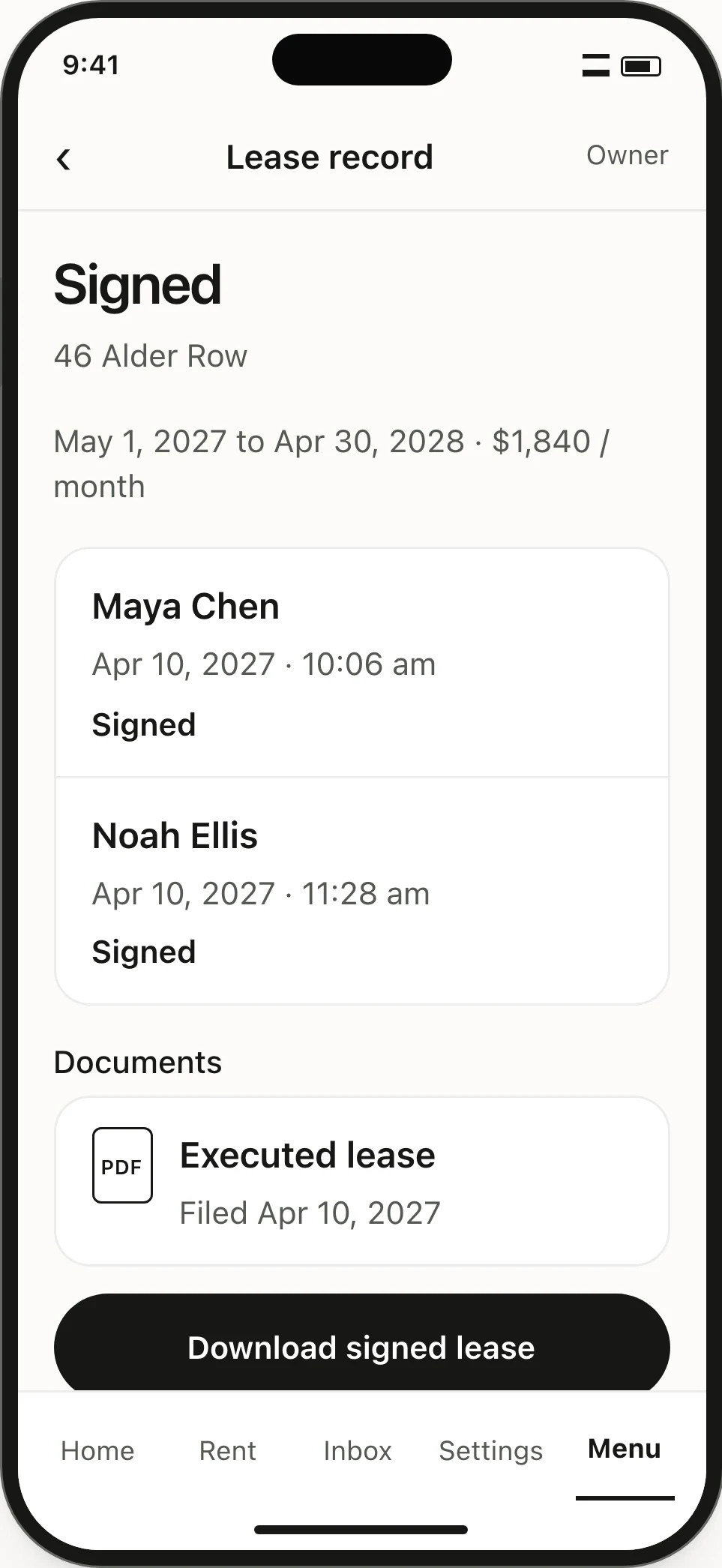
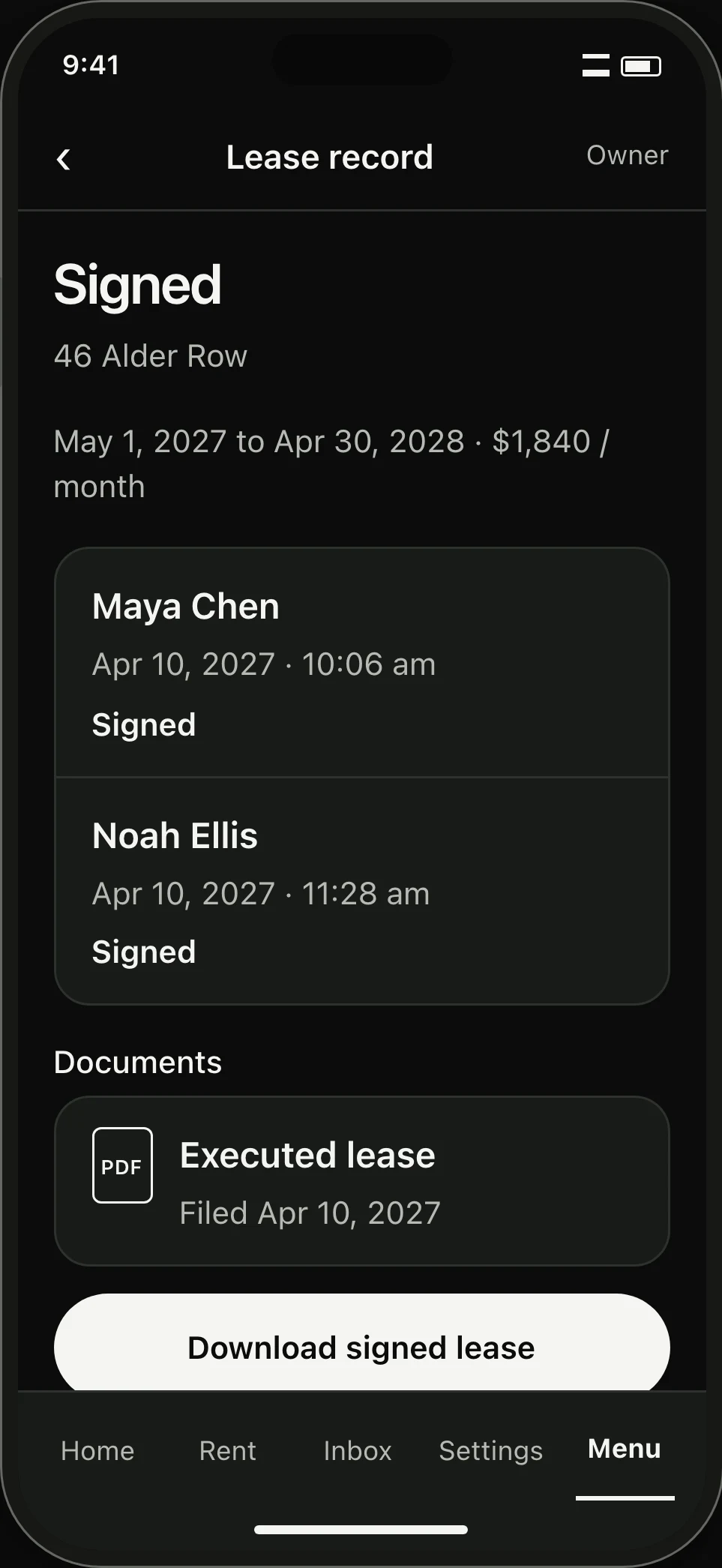
The signed lease files straight to Documents.
When the final tenant signs, Keyhold marks the lease Signed and stores the PDF in Documents with audit timestamps for every signer.
Guarantors receive the signed lease and guarantee agreement by email. If a delivery bounces, you can resend it in one click.
04 / Move-in handover
Inspect rooms and confirm handover.
Record room conditions and collect tenant move-in acknowledgments.
Start with one home.
Add a home and its tenancy. Create an official Ontario lease and collect digital signatures whenever you welcome new tenants.
Create a landlord accountLooking for a rental? Browse homes