Listings
Publish listings that bring serious renters to viewings.
Share a public link with photos and lease terms so applicants get the facts before requesting a tour.
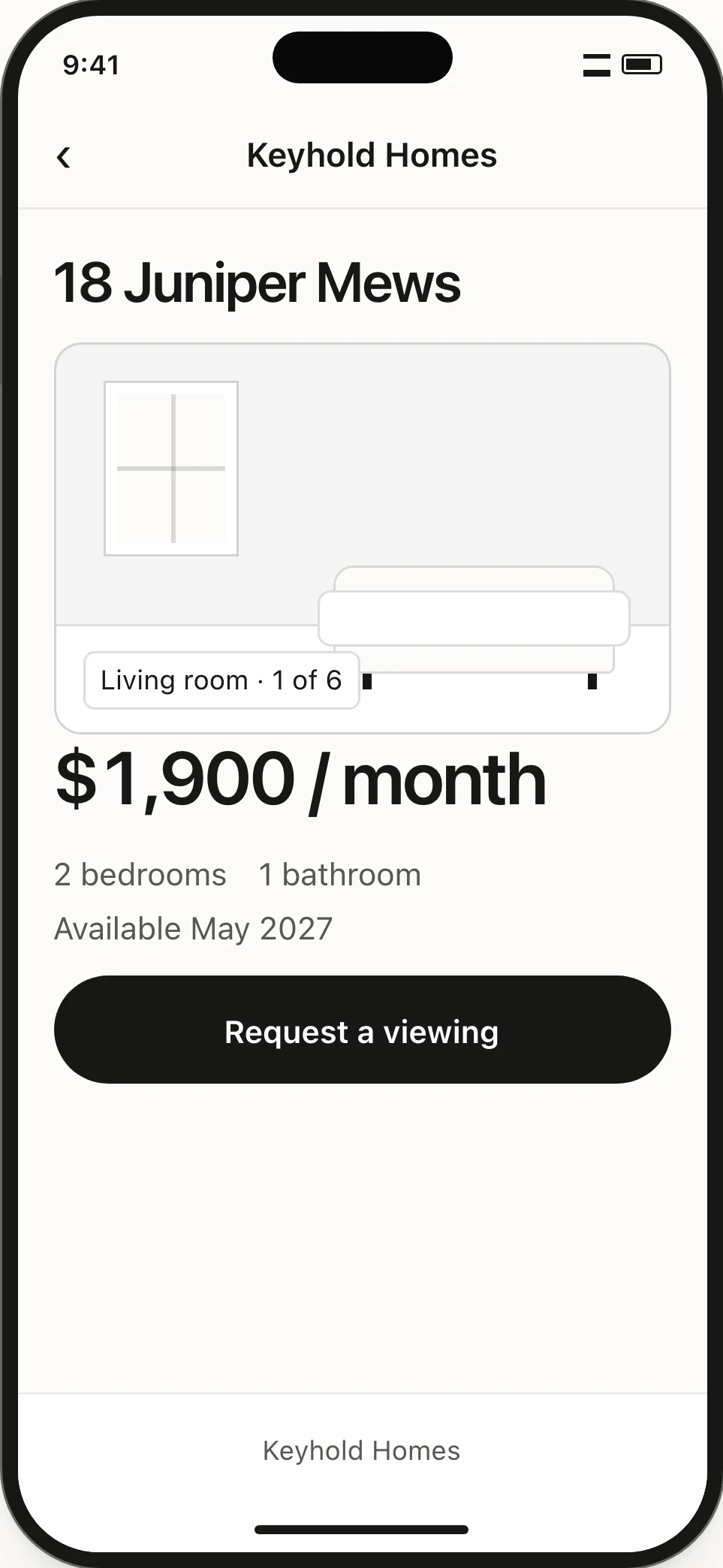
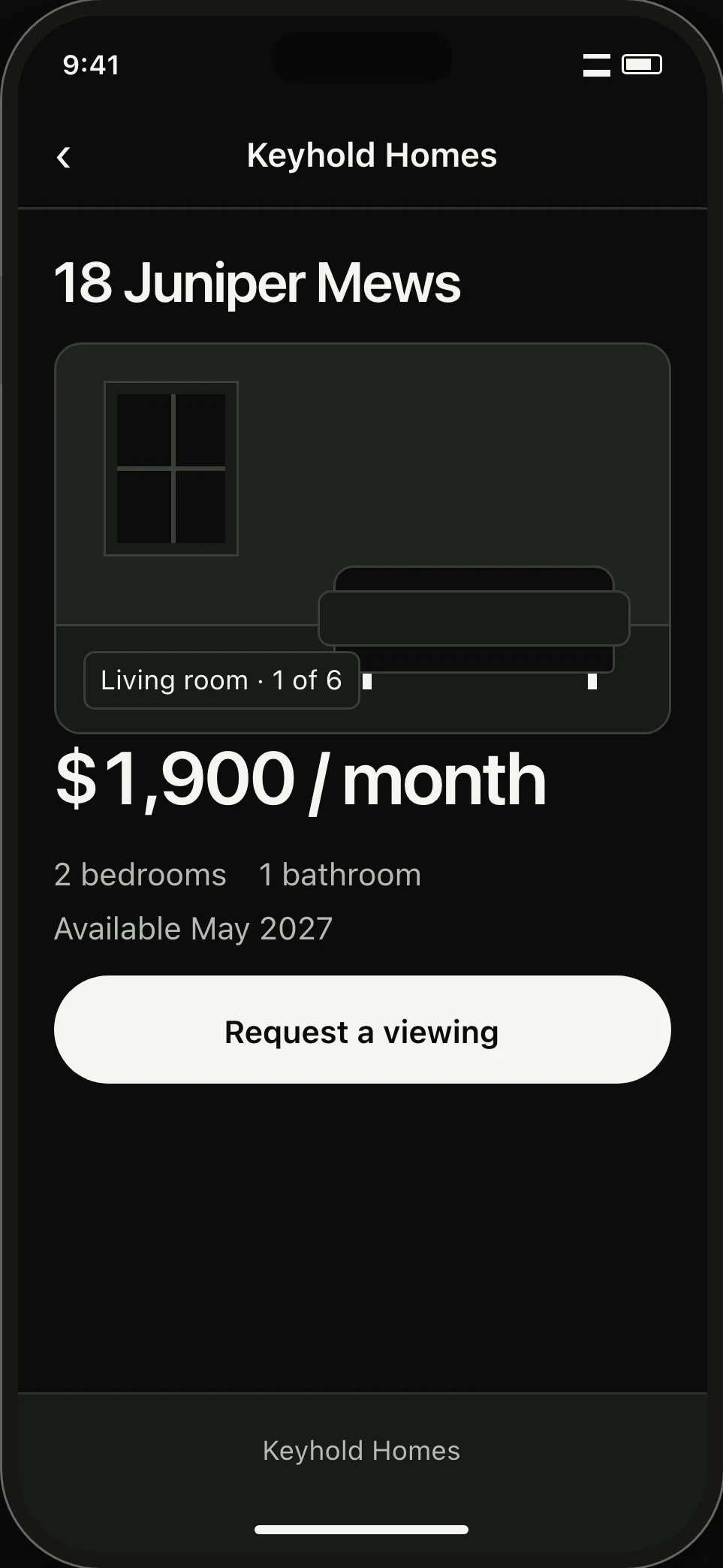
01 / Photo gallery
Show layout and light before scheduling.
High-resolution photos show room layout and natural light clearly, so tenants confirm the space fits before taking your time.
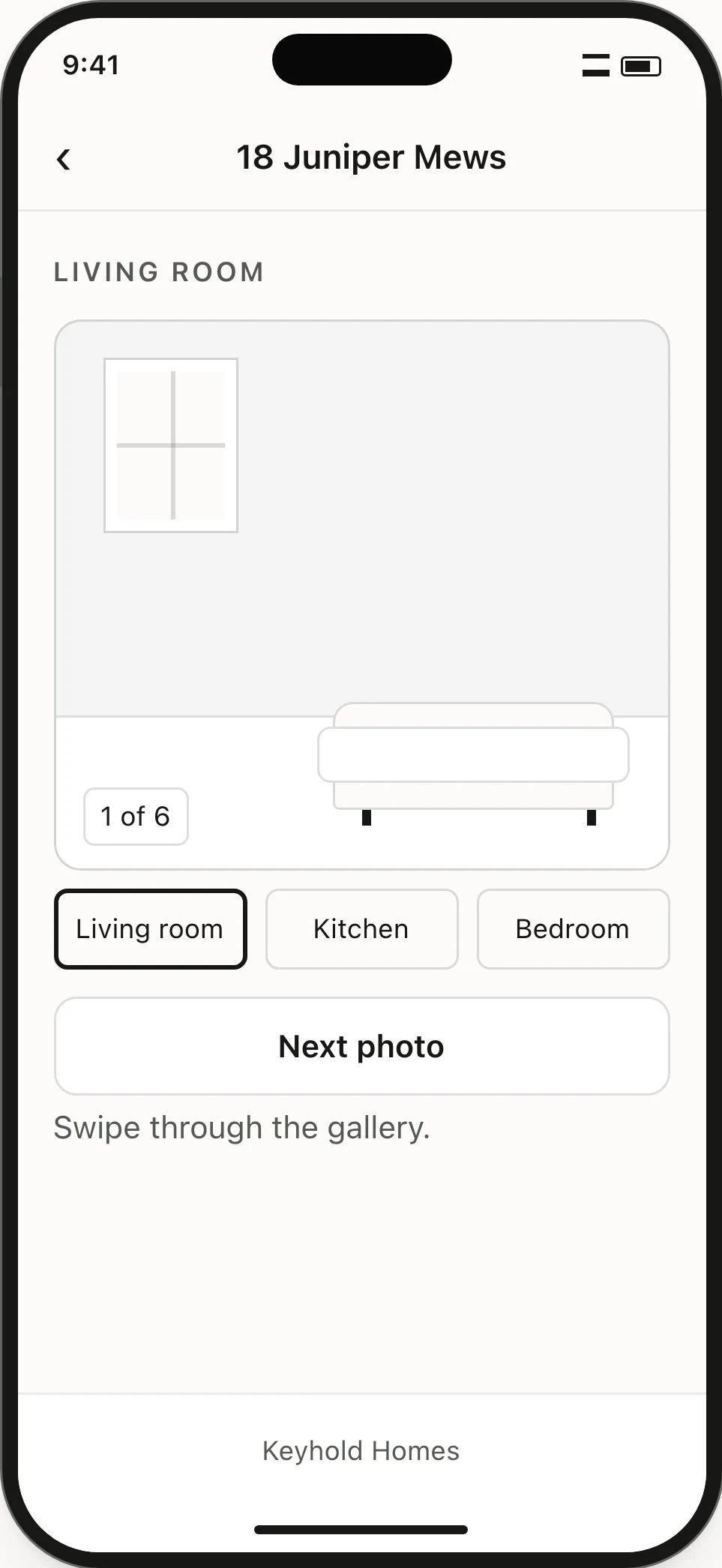
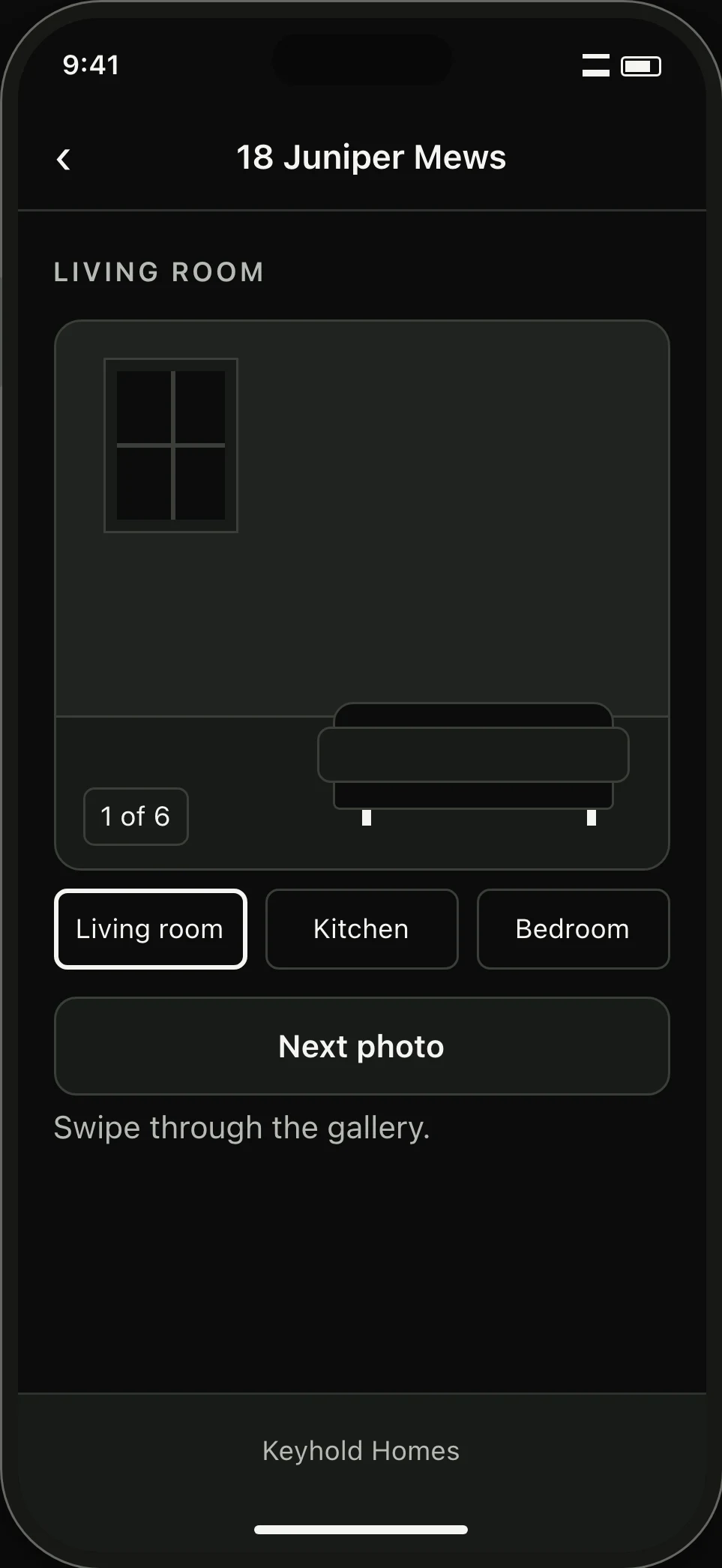
02 / Viewing request
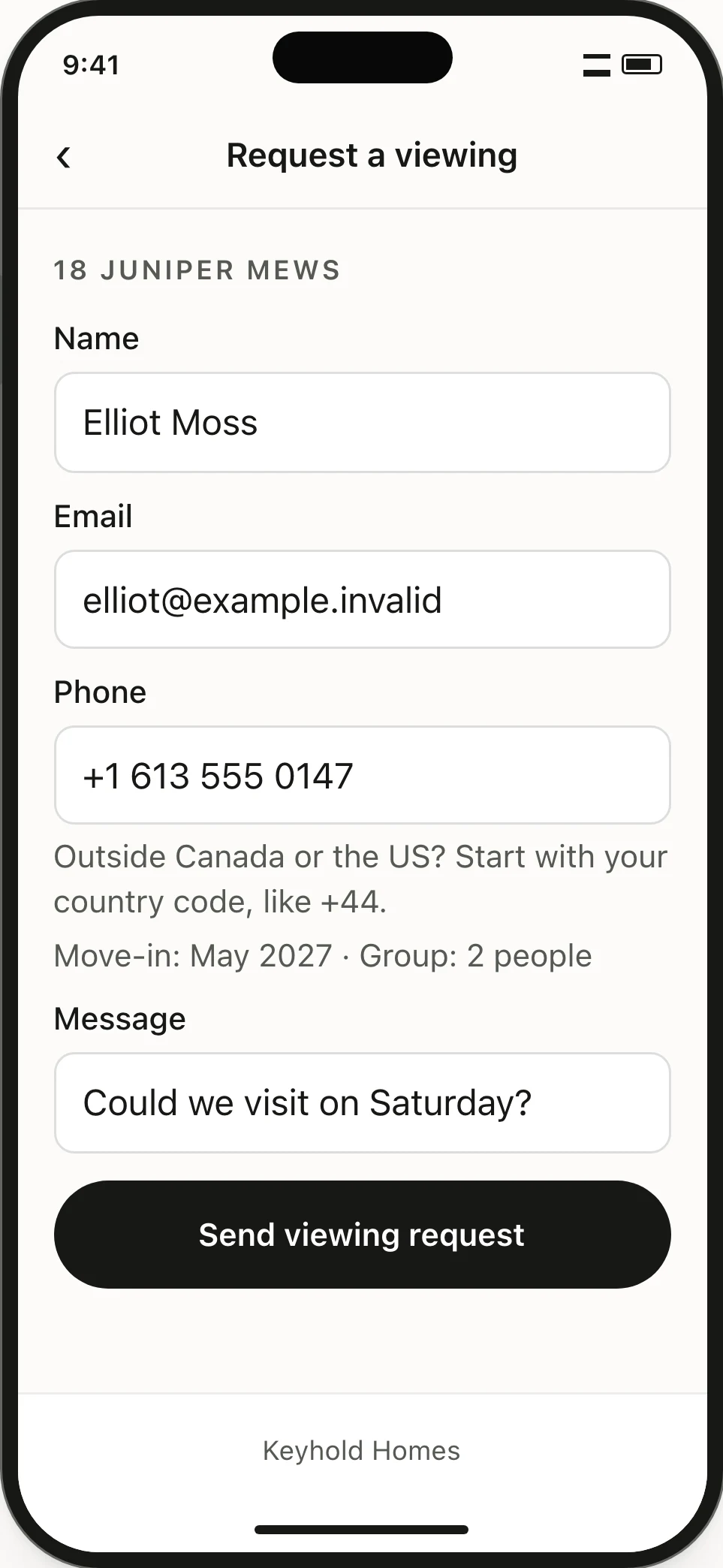
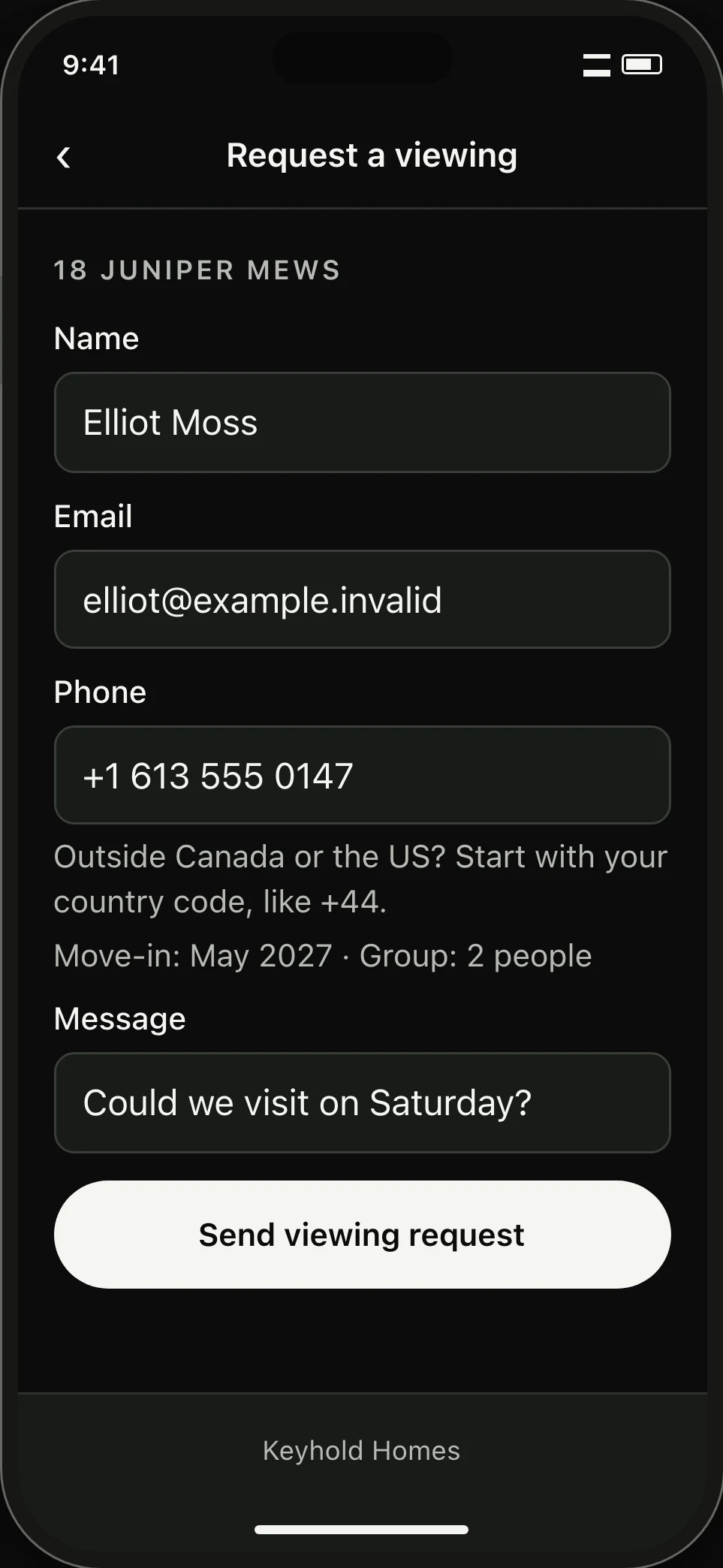
Get tenant details with every request.
Interested renters submit their move-in date, household size, and questions directly through the listing. Every inquiry lands organized under that property in Inbox.
03 / Application review
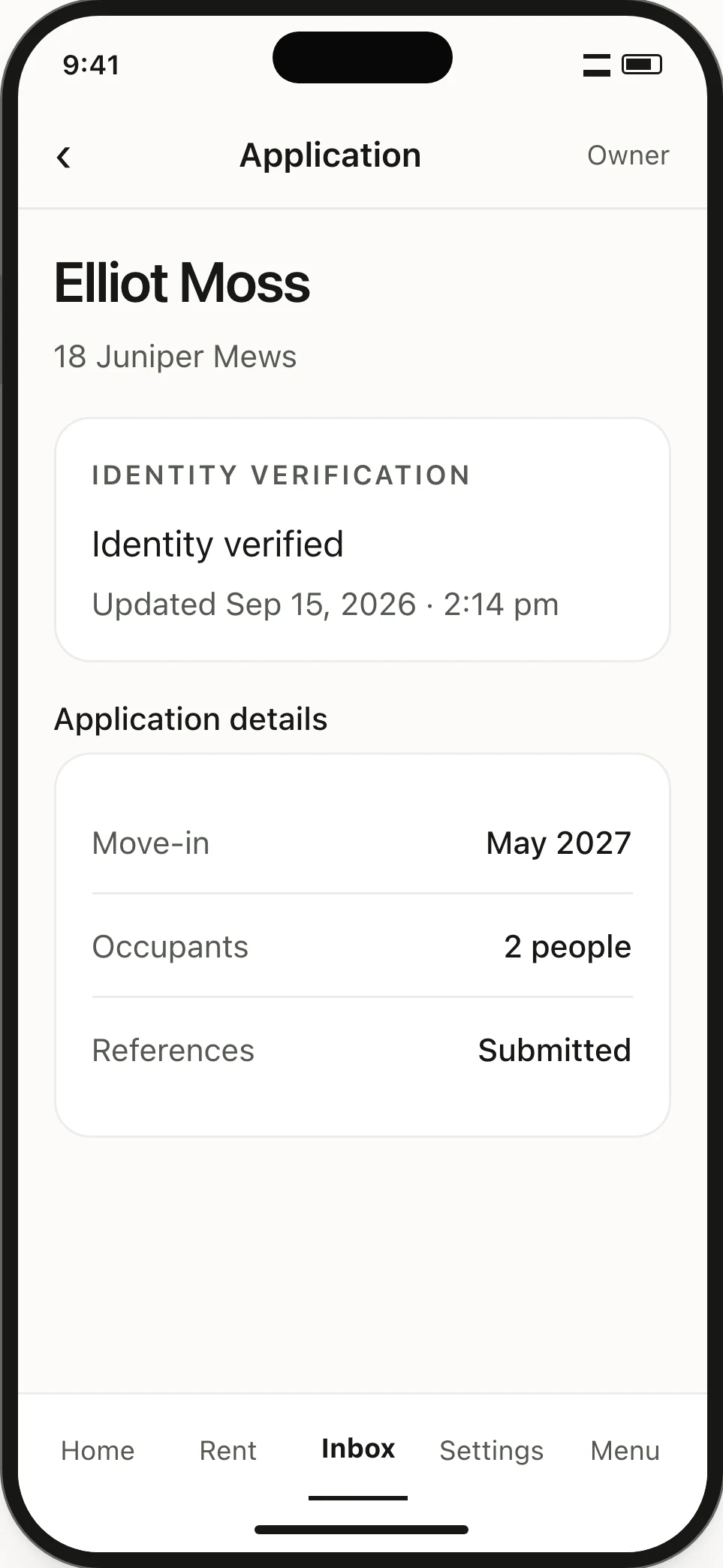
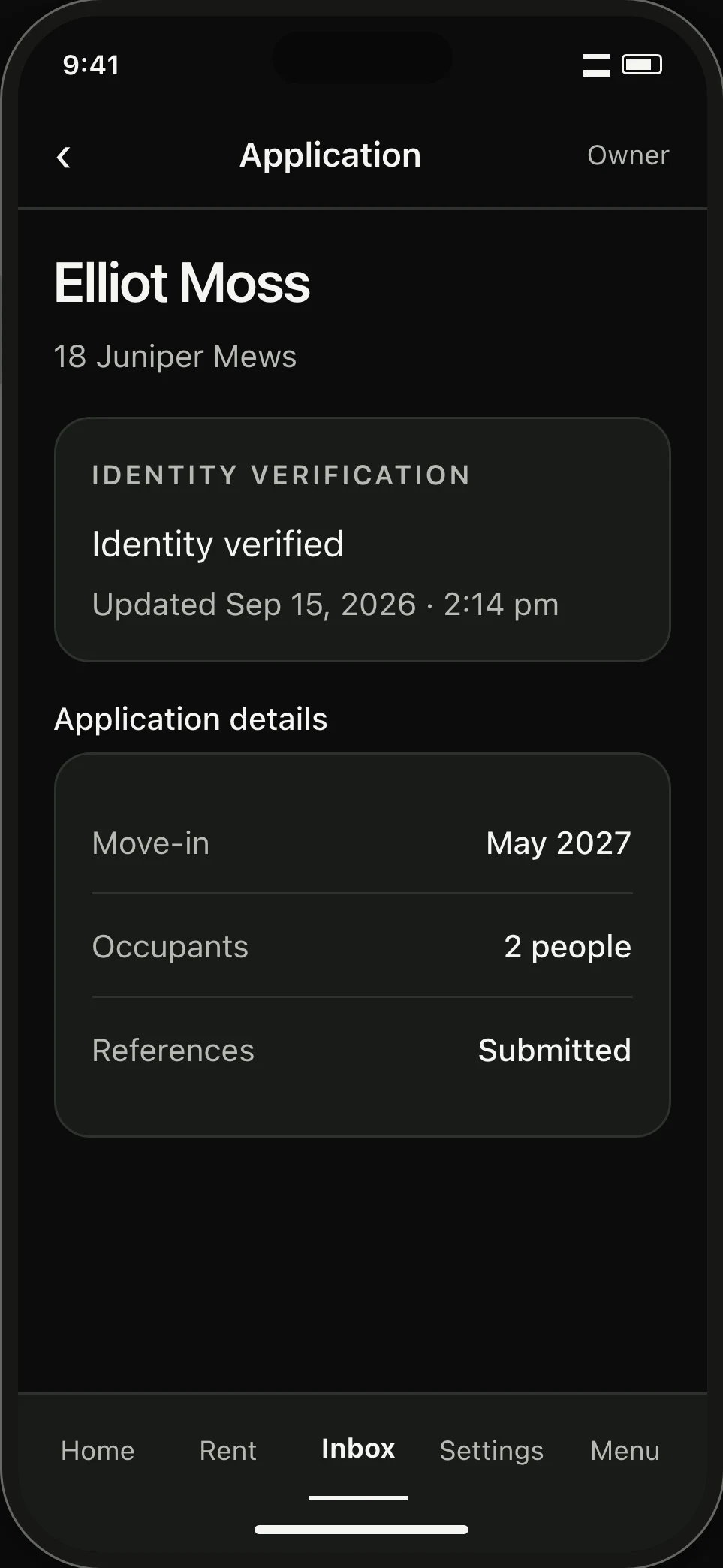
Verify identity right beside the application.
When identity verification is switched on for your organization, request a secure identity check with one tap. The system compares government photo ID against a live selfie and pins the result to their application.
Verification provides authentic proof of identity, but every leasing decision remains entirely in your hands.
04 / Private applicant link
Fast mobile verification without an account.
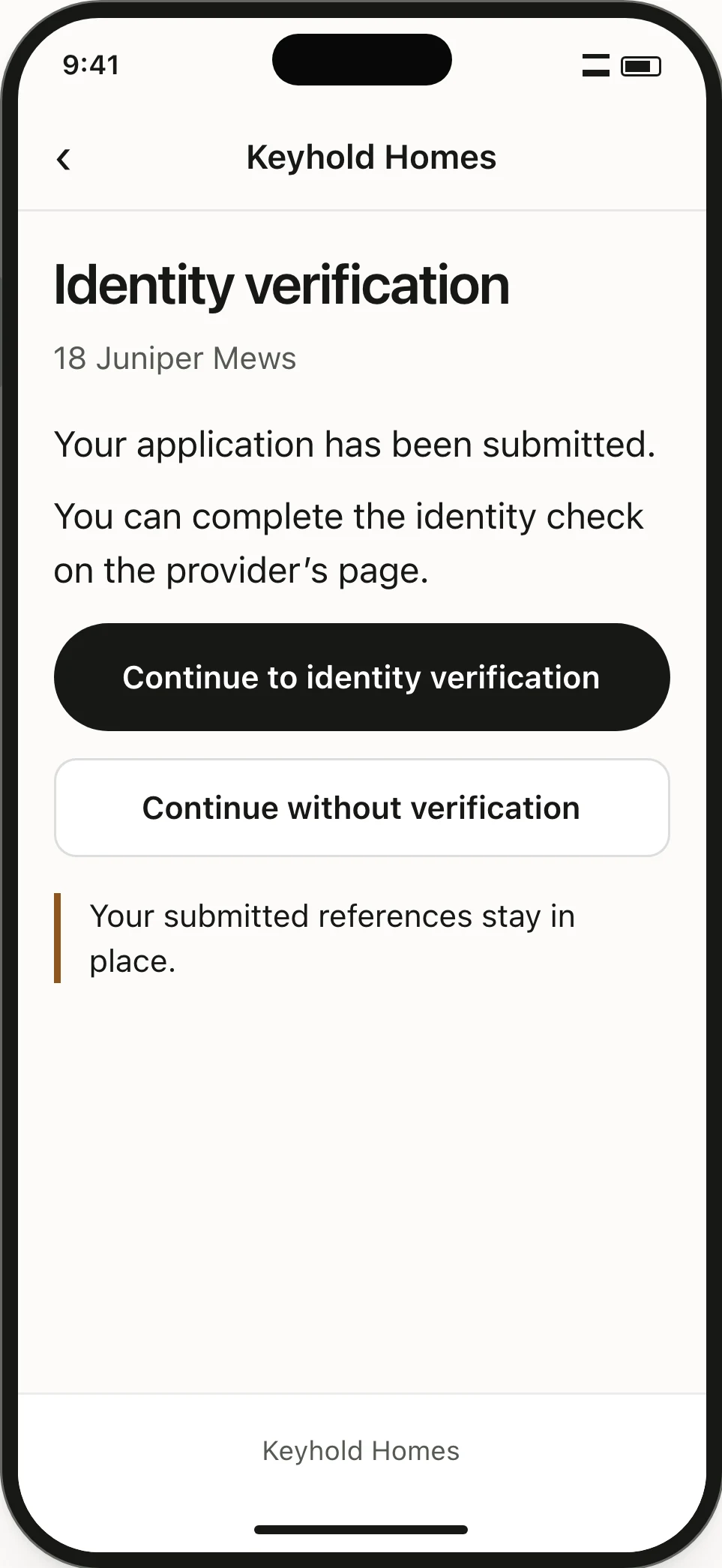
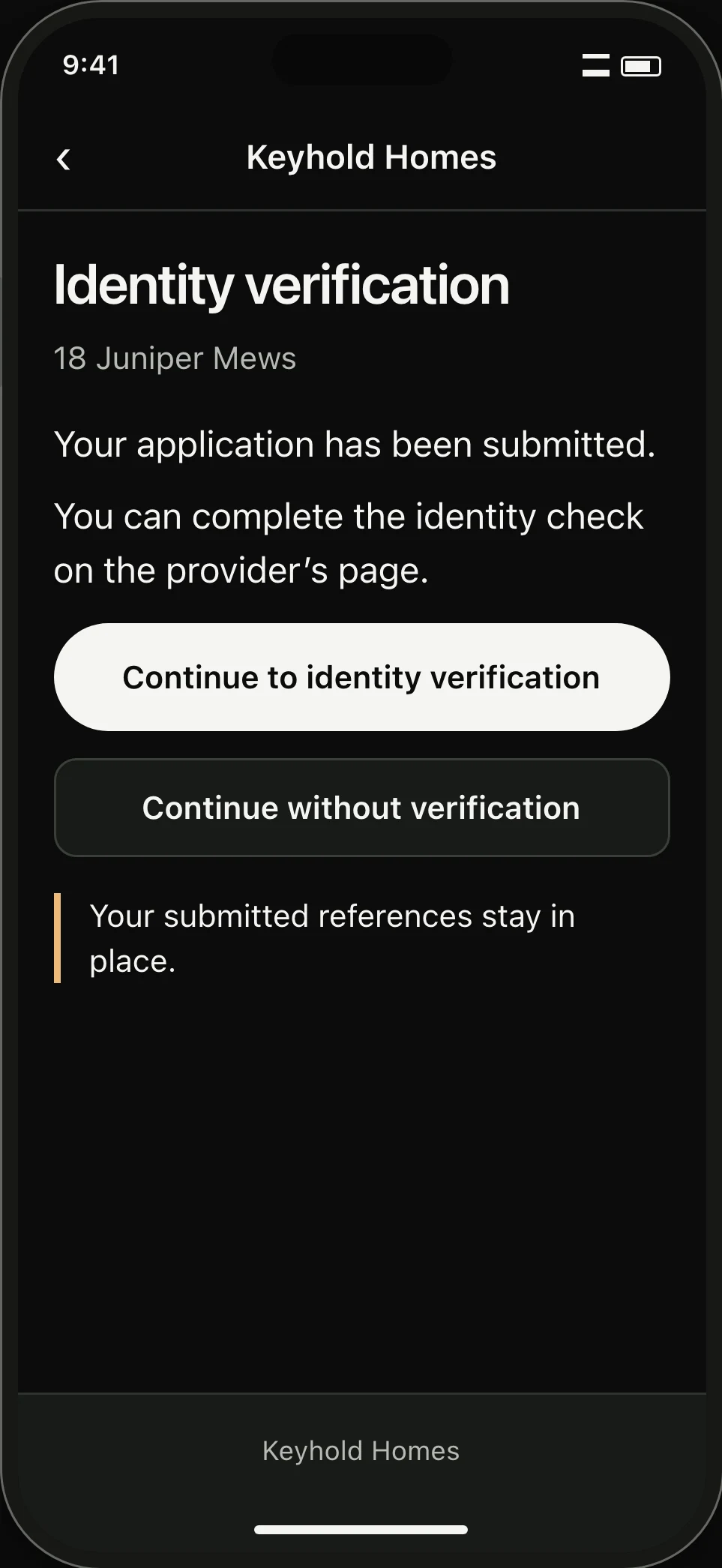
Applicants complete verification from a private phone link without creating an account. If they decline, their application remains open for your review.
Start with one home.
Publish your listing when a vacancy opens, collect organized viewing requests, and move forward with qualified renters.
Create a landlord accountLooking for a rental? Browse homes